A theme element that renders text, such as an axis or plot title, as
markdown with $math$. It takes the same settings as
ggplot2::element_text() and inherits from the theme like it.
Usage
element_markdown(
  math_font = "",
  fontsize = NULL,
  lineheight = 1.2,
  max_width = 0,
  render_mode = c("typeface", "path"),
  justify = FALSE,
  style = NA,
  width = NA,
  ...
)
Arguments
- math_font
Math font, such as
"stix".- fontsize
Font size in points.
NULL(default) uses the theme's size.- lineheight
Line spacing (default 1.2).
- max_width
Width in big points at which lines wrap.
0, the default, does not wrap.- render_mode
"typeface"(default) or"path".- justify
If
TRUE, stretch wrapped lines to fillmax_width.- style
A
markdown_style(), CSS text, or a path to a.cssfile.NA(default) useslatex_options(markdown_style = ).- width
Width at which the label wraps, as a
grid::unit().NA(default) does not wrap.unit(1, "npc")suits a plot title.- ...
Passed to
ggplot2::element_text(), such ascolourorhjust.
Block labels
A label with a heading, a list, a table, a rule or several paragraphs
is laid out as a small document, as in markdown_box_grob():
labs(title = "## Findings\n\n- slope $\\beta_1$\n- *p* < 0.001")Its box is styled by the body rule, as in
style = "body { background: grey95; padding: 8px }".
Text wraps only if
widthis given.Axis tick labels and rotated labels are never laid out as blocks; a rotated one warns.
math_font,render_modeandjustifydo not apply to blocks; set them withlatex_options().
ggtext also has an element_markdown(). If both packages are
attached, write gridmicrotex::element_markdown().
Examples
# \donttest{
if (requireNamespace("ggplot2", quietly = TRUE)) {
library(ggplot2)
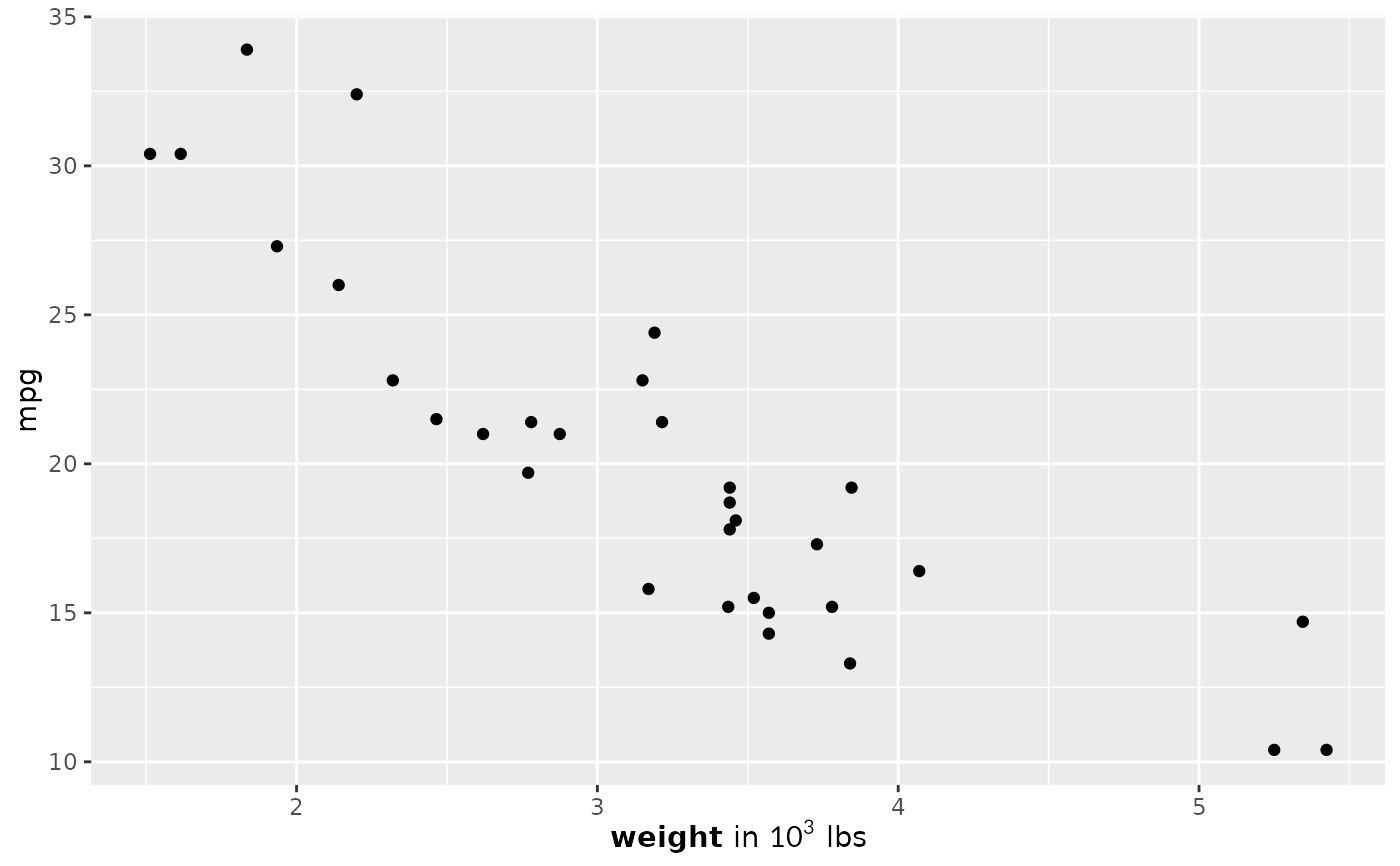
ggplot(mtcars, aes(wt, mpg)) + geom_point() +
labs(x = "**weight** in $10^3$ lbs") +
theme(axis.title.x = gridmicrotex::element_markdown())
}
 # }
# }