Draws a markdown document (headings, paragraphs, lists, task lists,
quotes, code, tables, rules and images) inside an optional box. Text
wraps to width, and math goes between $...$. Everything
markdown_grob() supports works inside each block.
Arguments
- md
Markdown, as a character string.
- x, y
Position of the box.
- width
Width of the box.
NULLfits the box to its content, with no wrapping.- height
Height of the box.
NULL(default) fits the content.- hjust, vjust
Justification of the box about
xandy.- halign
Alignment of blocks in the box:
0left (default),0.5centre,1right.- valign
Vertical alignment of the content when
heightleaves room:1top (default),0bottom.- padding, margin
A
grid::unit()of length 1, or 4 for top, right, bottom and left. Padding is inside the box, margin outside.NULL(default) uses the style'sbodyrule.- box_gp
Fill and border of the box, such as
gpar(fill = "grey95", col = "black").NULL(default) uses the style'sbodyrule, and draws no box if it has none.- r
Corner radius.
NULL(default) uses the style'sbodyrule.- style
A
markdown_style(), CSS text, or a path to a.cssfile.NULL(default) useslatex_options("markdown_style"), if set.- name
Grob name.
- gp
Graphical parameters for the text.
fontsizealso scales the spacing between blocks.- vp
A viewport. If given,
x,y,width,height,hjustandvjustare ignored.
Details
A table that is too wide for the box wraps its widest columns;
table-layout: fixed gives the columns equal widths instead. Code
lines do not wrap.
An image on its own line is a block, scaled down to fit; an image inside a sentence is inline. Images must be local PNG, JPEG or SVG files, and need the png or jpeg package, or rsvg and grImport2 for SVG. An image that cannot be drawn is an error.
Styling
style sets the look of each tag:
markdown_box_grob(md, style = markdown_style(
  h1         = md_style(color = "steelblue", font_size = 2),
  blockquote = md_style(border_left = "3px solid grey60")
))
Or the same as CSS, as text or a .css file:
markdown_box_grob(md, style = "
  h1 { color: steelblue; font-size: 2rem }
  blockquote { border-left: 3px solid grey60 }
")
To style one part, wrap it in a <div> with a class or style,
with blank lines around the tags:
<div class="note">

## This heading only

</div>
<span class="..."> works the same inside a line. See
markdown_style() for tag names and md_style() for properties.
Examples
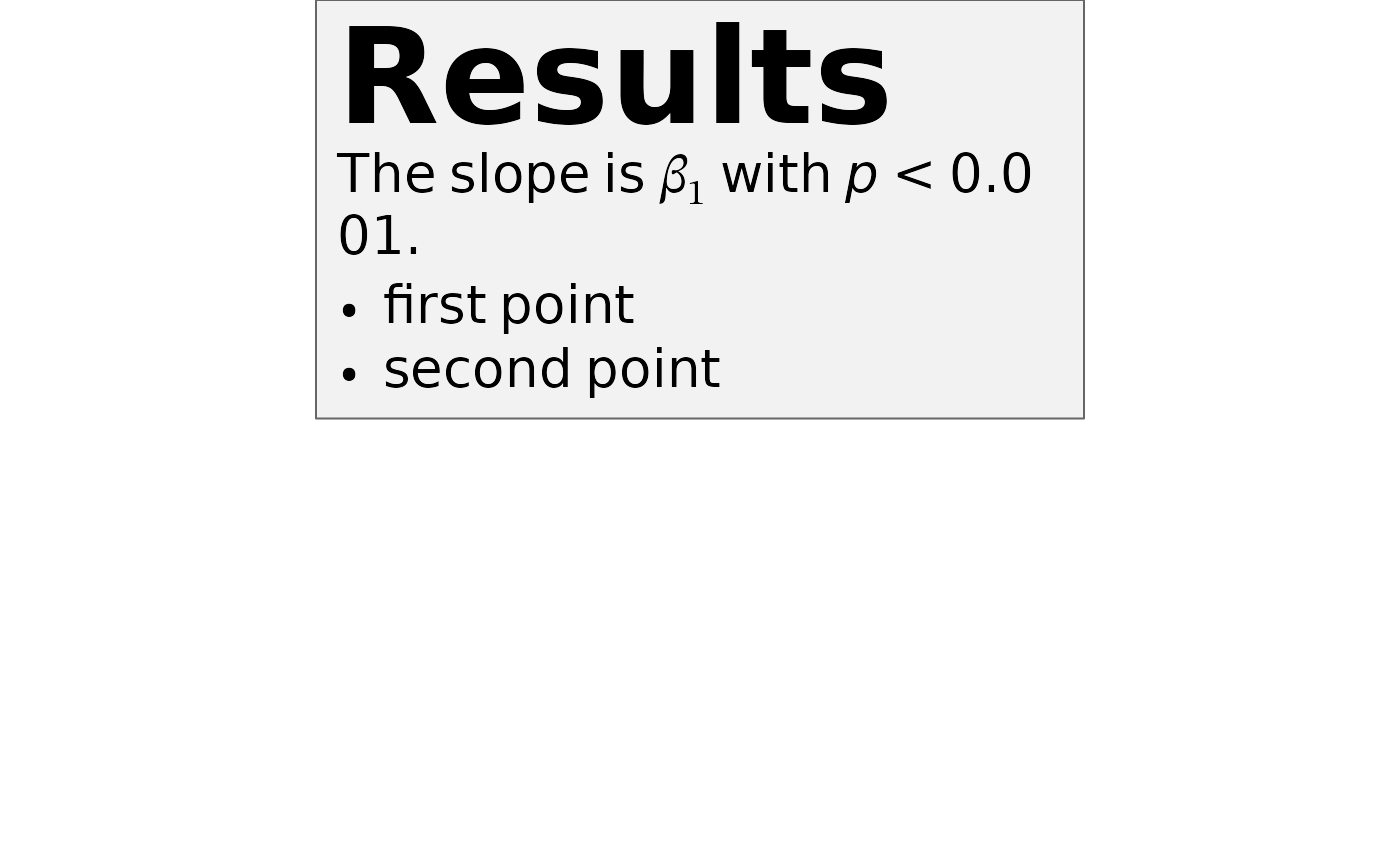
# \donttest{
md <- paste(
"# Results", "",
"The slope is $\\beta_1$ with *p* < 0.001.", "",
"- first point", "- second point",
sep = "\n"
)
grid::grid.newpage()
grid::grid.draw(markdown_box_grob(
md,
width = grid::unit(4, "in"),
padding = grid::unit(8, "pt"),
box_gp = grid::gpar(fill = "grey95", col = "grey40")
))
 # }
# }